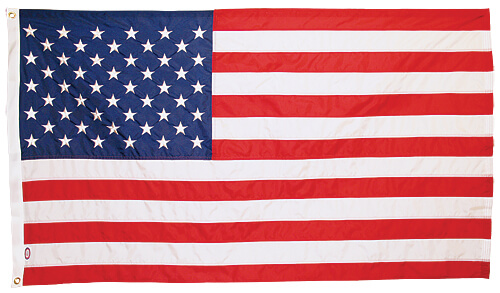
Design Your Custom Flag
Upload your logo or design and preview it on a flag before you order. Change the background, resize and reposition your artwork, then download a mockup to share or save.
Your artwork
Drop an image here or browse
Vector (.ai, .eps, .pdf, .svg) is best for printing · PNG/JPG/WebP also accepted · max 10MB
Converting vector file…
Flag specifications
Construction
Finishing
Background color
Closest PMS: White
Logo colors
List the PMS Coated values you want us to match for printing.
Artwork position
Drag to reposition. Drag a corner handle to resize.
Examples & Pricing
Upload your artwork to enable this option.
3' × 5' · field shown right of the heading
Mockup is for visualization only — actual print colors and proportions may vary.
Tips for great-looking custom flags
- Vector artwork (.ai, .eps, .pdf, .svg) prints sharpest at any size and is what our production team needs.
- Use a transparent background so the flag color shows through your artwork.
- Keep important details away from the hoist (left) edge — the heading wraps around the pole and won't be visible.
- If you upload a raster image (PNG/JPG), aim for at least 150 DPI at final flag size — or our designers can vectorize it for you for a small fee.
- For double-sided flags, your design will appear correctly on both sides.